How to Play RankUP Minecraft Servers: Commands, Tips, and Best Servers

Tutorials By Weark
How to Play RankUP Minecraft Servers: Commands, Tips, and Best Servers

If you're starting your Minecraft server journey and love challenges, RankUP servers are perfect! This guide covers how RankUP works, essential commands, and quick tips to excel.

What is a RankUP Server?

RankUP servers focus on progression through activities like mining, combat, and farming. Each rank unlocks special abilities, new worlds, and exclusive items.

Main RankUP Commands

  • /rankup - Advance to the next rank after meeting requirements.
  • /ranks - View all ranks and their requirements.
  • /warp mina - Quickly access mines to earn money.
  • /money - Check your current balance.
  • /plot auto - Instantly get a plot for building.
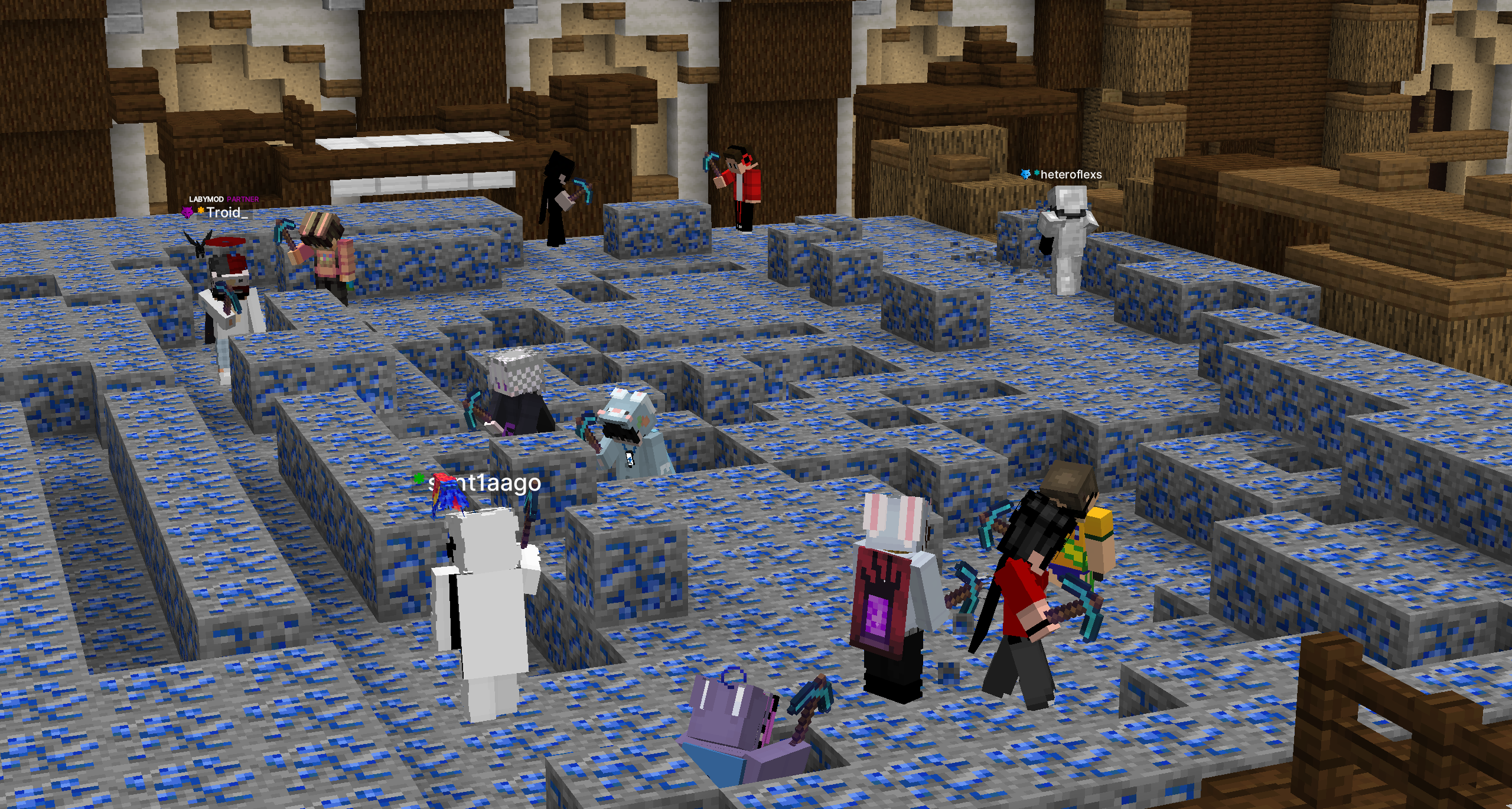
Warp Mina RankUP Minecraft Server GladMC
Jogadores minerando na Warp Mina de Lápis-lazúli Minecraft Server GladMC

Tips for a Strong Start in RankUP

  • Explore mines: Best initial income source.
  • Automated farms: Greatly speed up your progress.
  • Join events: Exclusive rewards and extra XP.
  • Trade with players: Obtain rare items or extra cash.

Top Brazilian RankUP Servers

StarDix
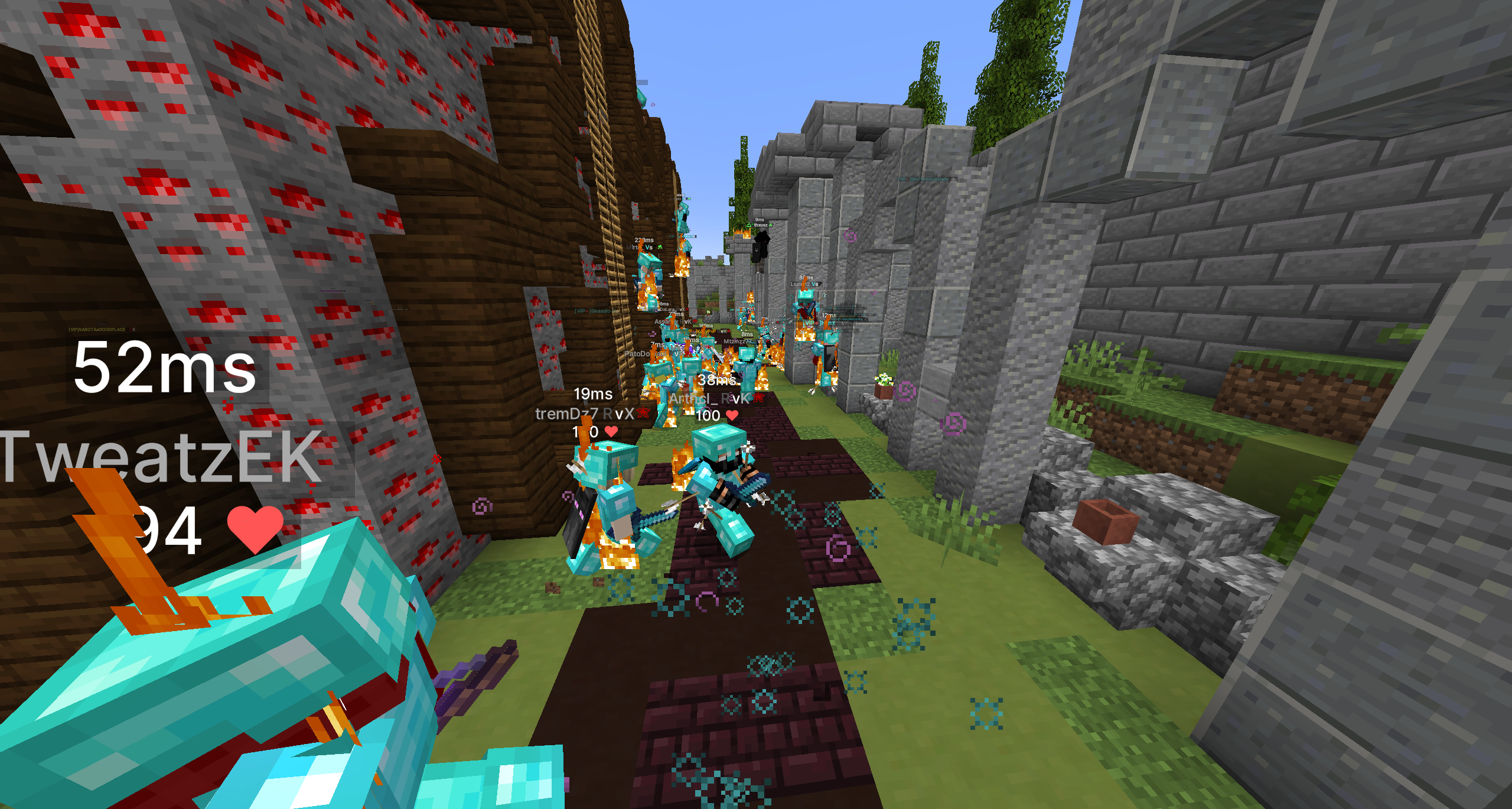
Warp Mina PvP do Server Minecraft RankUP StarDix
Jogadores no PvP da Warp Mina PvP do RankUP Server Minecraft

Active community and frequent updates.

  • Java IP: jogar.stardix.com.br
  • Bedrock IP: bedrock.stardix.com.br
  • More details: StarDix Page.

GladMC

Servidor de Minecraft GladMC
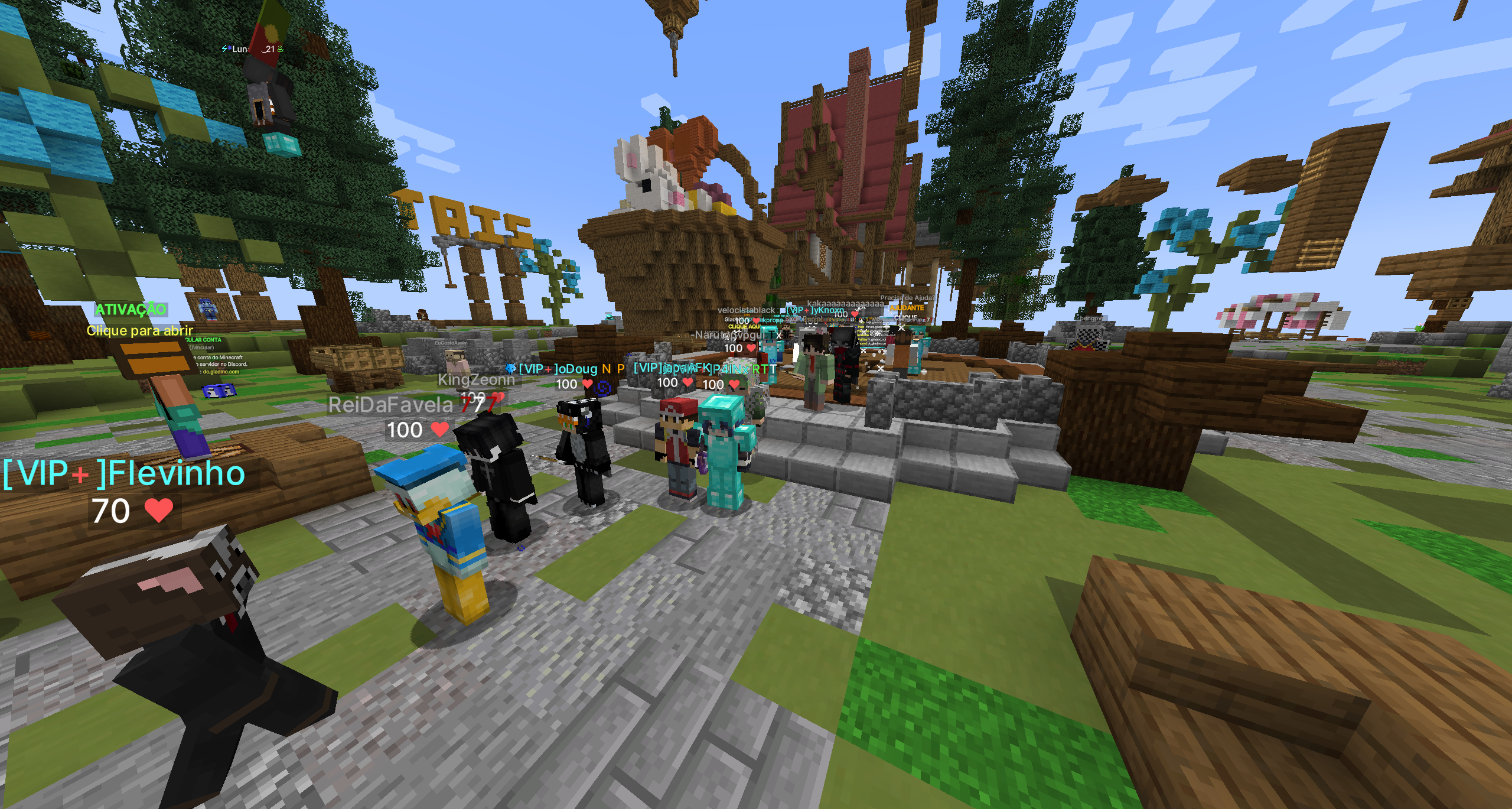
Jogadores no Spawn do RankUP Minecraft Server GladMC

Unique realms system and exclusive bosses.

  • Java IP: jogar.gladmc.com
  • Bedrock IP: bedrock.gladmc.com
  • More details: GladMC Page.
News and Releases

⭐ We launched a new Sponsored page to highlight sponsored visibility options.

📢 Sponsored slot openings and closings can now be announced in Discord.

🔔 You can manage or disable these notifications in the notification settings area.
See More : ⭐ Sponsored Page and Slot Notifications

🚀 The bump system has been updated for better visibility cadence.

Current bump intervals:
- Standard servers: every 6 hours
- Sponsored servers: every 4 hours

📢 When a server is bumped, it can now also be announced automatically in the Discord channel:
- server-bumped
See More : 🚀 Bump System and Discord Notifications

🔐 You can now sign in with your Discord account for a faster and easier login experience.

⚙️ ListaMC now supports both Votifier V1 and V2, making vote integration easier for more Minecraft servers.

🌐 Bedrock usernames are now better supported, including names that start with . and -.
See More : 🔐 Discord Login and Compatibility Updates

📧 Email alerts and informative messages were improved and fixed.

You can now receive notifications for:
- Server offline alerts
- Sponsored slot openings
- Server statistics and performance updates
See More : 📧 Improved Email Notifications

🔔 Server owners can now receive important notifications directly inside the admin panel.

Available alerts include:
- Server offline alerts
- Vote events
- Server activity updates
- Other important server-related events
See More : 🔔 New Server Alerts in the Admin Panel

📊 We added new analytics areas to help you understand server performance in more detail.

Available metrics include:
- Views per day
- IP copies per day
- Server activity
- Players per day
- Uptime history
- Weekly performance data
- General site metrics and statistics

⭐ Sponsored servers also get advanced analytics with deeper performance insights, server page visits, recorded sessions, and high-intent user actions.
See More : 📊 New Statistics and Analytics Pages

🏆 Recent votes now have more weight in our ranking score, helping active servers gain more visibility on the homepage and ranking pages.

📈 Server banners now show whether your server gained or lost votes over the last 7 days, so recent performance is easier to track at a glance.
See More : 🏆 Ranking and Visibility Improvements